Trail Cameras & Optics · Gear type
WiFi Trail Camera
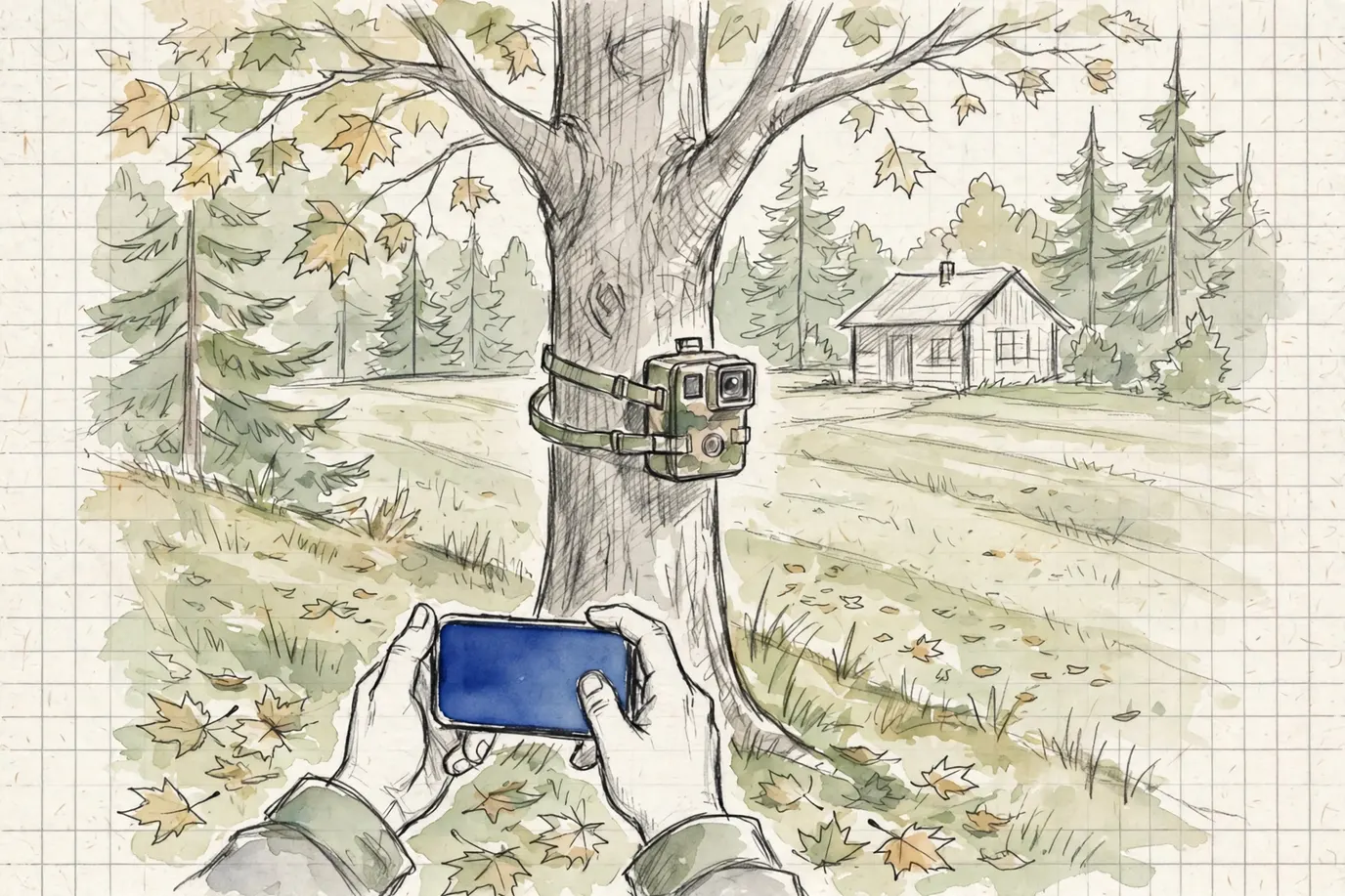
A WiFi trail camera talks to your phone at close range instead of over a cell network. You walk within range, the app connects, and you pull photos and change settings without opening the case or touching the card. No signal at the tree and no monthly plan needed. The catch: you still have to go to the camera, just not all the way to it. (Uncle Walt calls it "the camera you still have to visit." He's not wrong, which he enjoys.)
We earn a commission if you buy through our links, at no cost to you. Disclosure
| Model | Units in pack | Photo resolution | Video | Trigger speed | Night/flash range | Amazon |
|---|---|---|---|---|---|---|
Blazevideo 4K 64MP WiFi Bluetooth Trail CameraTrail camera More specs
| — | 64 MPlisting | 4klisting | 0.1 slisting | 90 ftlisting | Check price |
Ceyomur 4K UHD Solar Trail CameraTrail camera More specs
| — | — | 4klisting | — | — | Check price |
Ceyomur 4K 68MP Solar WiFi Trail CameraTrail camera More specs
| — | 68 MPlisting | 4klisting | — | — | Check price |
GardePro E6 WiFiTrail camera More specs
| — | 64 MPlisting | 1296plisting | — | 75 ftlisting | Check price |
GardePro E8PMB WiFiTrail camera More specs
| — | — | — | — | — | Check price |
GardePro E8 2.0 WiFi BluetoothTrail camera More specs
| — | — | 4klisting | — | — | Check price |
GardePro E8 2.0 Pro WiFi BluetoothTrail camera More specs
| — | — | 4klisting | — | — | Check price |
GardePro E8 2.0 Pro Solar WiFiTrail camera More specs
| — | 64 MPlisting | 4klisting | — | — | Check price |
GardePro Link 1.0 R3 Pro + HubTrail camera More specs
| — | — | — | — | — | Check price |
GardePro Link 1.0 Hub + 4 R3 ProTrail camera More specs
| 4listing | — | — | — | — | Check price |
GardePro Link 1.0 Hub + 2 R3 ProTrail camera More specs
| 2listing | — | — | — | — | Check price |
GardePro Link 1.0 Hub + 3 R3 ProTrail camera More specs
| 3listing | — | — | — | — | Check price |
Maxdone Solar WiFi Trail Camera 4K 64MPTrail camera More specs
| — | 64 MPlisting | 4klisting | — | — | Check price |
Maxdone Solar WiFi Trail Camera 4K 64MPTrail camera More specs
| — | 64 MPlisting | 4klisting | 0.1 slisting | — | Check price |
Maxdone Solar WiFi Trail Camera 4K 64MPTrail camera More specs
| — | 64 MPlisting | 4klisting | — | 65 ftlisting | Check price |
Maxdone Solar WiFi Trail Camera 4K 64MPTrail camera More specs
| — | 64 MPlisting | 4klisting | — | — | Check price |
Maxdone Solar Trail Camera 4K 64MP 7800mAhTrail camera More specs
| — | 64 MPlisting | 4klisting | — | — | Check price |
Maxdone Solar WiFi Trail Camera 4K 64MPTrail camera More specs
| — | 64 MPlisting | 4klisting | — | 65 ftlisting | Check price |
Maxdone Solar WiFi Trail Camera 2 PackTrail camera More specs
| 2listing | 64 MPlisting | 4klisting | 0.1 slisting | — | Check price |
Maxdone Solar Trail Camera 4K 64MPTrail camera More specs
| — | 64 MPlisting | 4klisting | — | — | Check price |
Meidase P200 WiFi 64MPTrail camera More specs
| — | 64 MPlisting | 1296plisting | 0.1 slisting | 100 ftlisting | Check price |
Meidase P300 ProTrail camera More specs
| — | 64 MPlisting | 1296plisting | 0.1 slisting | 100 ftlisting | Check price |
Meidase P300 Pro 64GBTrail camera More specs
| — | 64 MPlisting | 1296plisting | — | — | Check price |
Meidase P200 WiFi 64MPTrail camera More specs
| — | 64 MPlisting | 1296plisting | 0.1 slisting | 100 ftlisting | Check price |
Meidase P300 Solar WiFiTrail camera More specs
| — | 64 MPlisting | 1296plisting | — | — | Check price |
Meidase P300 Pro Solar WiFiTrail camera More specs
| — | 64 MPlisting | 1296plisting | — | — | Check price |
Meidase P80 ProTrail camera More specs
| — | 48 MPlisting | 1296plisting | 0.2 slisting | 75 ftlisting | Check price |
SuntekCam WiFi Trail Camera 4K 36MPTrail camera More specs
| — | 36 MPlisting | 4klisting | — | — | Check price |
Voopeak WiFi Trail Camera 4K Dual LensTrail camera More specs
| — | 60 MPlisting | 4klisting | 0.1 slisting | — | Check price |
Voopeak Solar WiFi Trail Camera 4KTrail camera More specs
| — | — | 4klisting | — | 65 ftlisting | Check price |
Voopeak Dual Lens WiFi 60MP 4K SolarTrail camera More specs
| — | 60 MPlisting | 4klisting | 0.1 slisting | — | Check price |
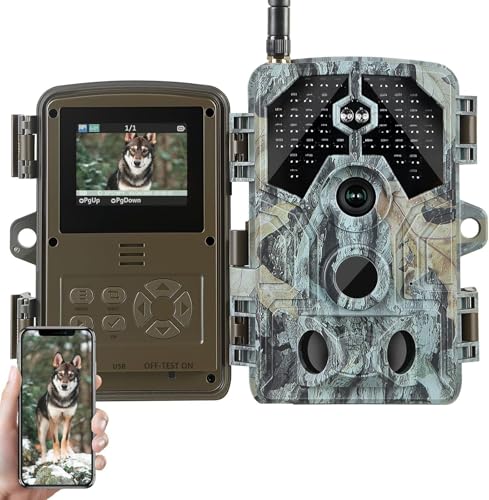


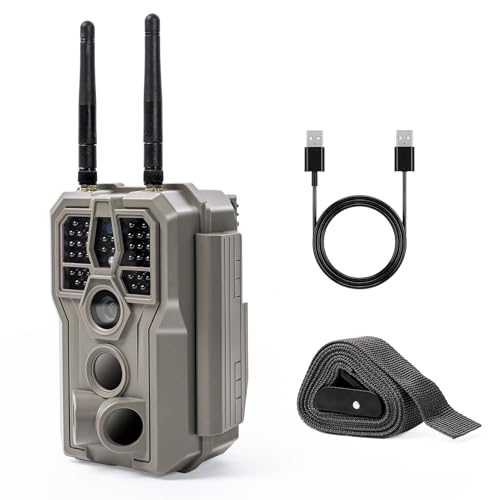


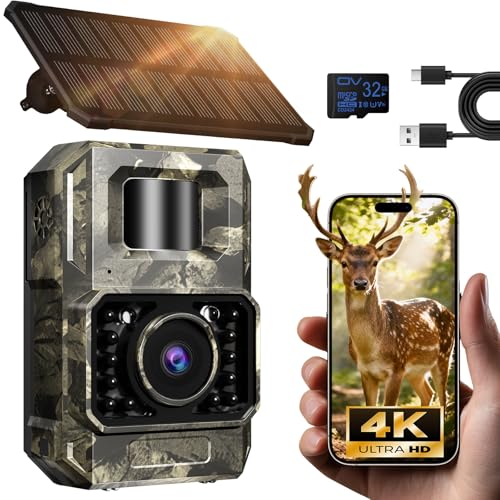


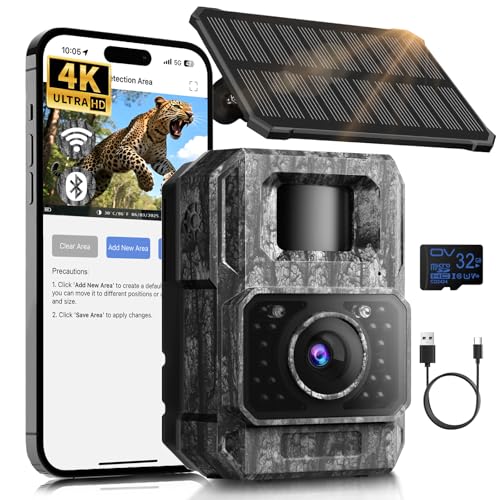


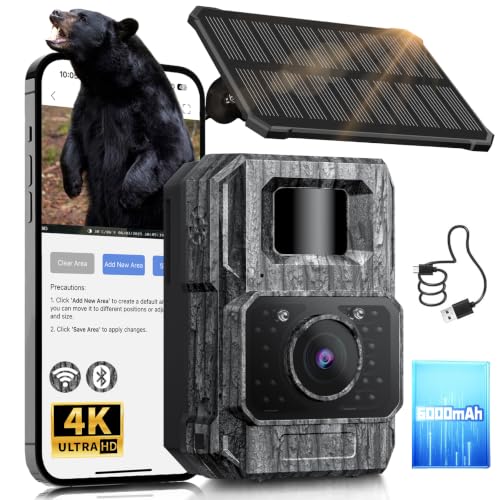


What’s in this listTrail cameras that connect to a phone over Wi-Fi or Bluetooth at close range, as stated by the maker or the Amazon listing. “—” means neither the maker nor the Amazon listing states it.
What makes a WiFi trail camera different
A WiFi trail camera is a regular trail camera with a short-range radio that talks to your phone. The sensor, flash, trigger and card all work the way they do on any camera; the shared basics are on the main trail camera page. What changes is how the photos get off the camera.
On a card-only camera, you open the case and pull the card. On a cellular camera, the photos come to you over a cell network. On a WiFi or Bluetooth camera, you come close, and the app pulls the files without you touching anything. Launch coverage of one such camera says its app handles photo and video download and full programming from 30 to 50 feet.
The table on this page lists trail cameras that connect to a phone over WiFi or Bluetooth at close range, as the maker or the Amazon listing states it. It shows connectivity, live view, power, solar, field of view, flash and the photo specs. The Data plan column stays empty for these cameras unless the maker or the listing says outright that there's no monthly fee.
How the phone connection works
Makers split the job between two radios, and the split varies by camera:
- Bluetooth: pairs the phone and camera and wakes the connection. Some cameras use it for everything.
- Camera WiFi: the camera makes its own network for moving photo and video files. One camera's launch coverage says the app can automatically switch on the camera's onboard WiFi.
- Home or cabin WiFi: a few cameras can join a nearby network instead. The same coverage says that camera can connect to a home-based server within 30 to 50 feet and upload photos at set intervals, with a notification for each upload.
So "WiFi trail camera," "Bluetooth trail camera" and "wireless trail camera" overlap. The Connectivity column in the table settles it: these cameras are marked WiFi/Bluetooth, which means close-range phone access and no cell network.
What to look at when you pick a WiFi trail camera
Here's the order I'd read the table for this kind of camera.
Stated connection distance decides where you stand
This is the spec that makes or breaks a WiFi camera, and it's all over the place. In the sources I read:
- One camera's Bluetooth and download range was given as 30 to 50 feet
- Another camera's launch coverage said to get within 100 yards to use the app
- A Bluetooth model's coverage said you'd get a download notification within 150 yards
Those numbers come from makers and launch coverage. Treat them as the best case and test the real distance at your tree.
Quick math for setup: 50 feet is about 17 yards. That's inside bow range of a lot of stands. If the stated distance is that short, plan to stand somewhere you'd be comfortable standing during the season, not right under the tree.
Live view makes aiming a one-trip job
Some WiFi and Bluetooth cameras show what the lens sees on your phone. Deer & Deer Hunting lists live view among one Bluetooth camera's app features, along with battery level, card contents and free storage, and changing settings remotely.
That's the best part of these cameras for setup. Aiming a card camera usually means test photo, walk back, check, adjust, repeat. With live view, you see the frame while your hand is still on the strap. The Live view/stream column marks the cameras that offer it. (Before this, my aiming method was crouching in front of the lens like a deer and asking Walt if my head was in it. He always said yes.)
No data plan, as long as the maker says so
The big money difference from a cellular camera is the plan. A WiFi or Bluetooth camera talks to your phone directly, so there's no cell service to pay for. Deer & Deer Hunting's coverage of one Bluetooth camera says it does not require cell service to access its data within range.
We only mark "no monthly fee" in the Data plan column when the maker or the listing says it. If the column shows a dash, read the maker's page before you assume.
Power: the camera still runs on what you put in it
Read the Power column the same way you would for any camera, then add the radio. GearScout's coverage of one WiFi and Bluetooth model lists 8 AA batteries plus an external jack for a 12-volt battery box. That jack matters for a camera at the cabin or the back field, where hauling a battery box is easy.
Cold still kills alkaline cells first, per Outdoor Life, which makes lithium the winter pick. If the camera is in the yard, you'll at least notice sooner when it quits.
Solar is a nice extra, not a requirement
The Solar column shows whether a camera has a built-in panel, ships with one, takes an add-on or has none. A WiFi camera you visit often needs it less than a remote cellular camera does. Still, a panel means fewer battery swaps on a camera you check from a distance. Options are on the solar trail camera page.
Trigger speed, flash and field of view: same rules as any camera
The radio doesn't change the photo. A WiFi camera on a trail needs a fast trigger. One over a feeder or food plot can be slower, since deer stand still there. The flash column works the same as everywhere: low-glow for most deer spots, no-glow near a house or a road where you don't want a red glow showing. Field of view tells you how wide the frame is.
Sharing photos with the rest of camp
A card camera has one owner: whoever has the card in their pocket. Some Bluetooth apps fix that. Deer & Deer Hunting lists user roles among one camera's app features, so you can share what the camera catches with other people. Grand View Outdoors adds that the same camera pulls all its photos and videos to your phone with a single button press.
At Hemlock Run that would end a real argument. Right now the card goes into Walt's coat, the coat goes on the hook, and the photos come out in December. (He considers the coat a filing system.)
The card is still where the full files live
Your phone gets what the app downloads; the card keeps everything the camera records. One camera maker's support page says to reformat the card to clear corrupt files, replace cards now and then because they wear out, and keep each card in its own camera. That advice applies to WiFi cameras too, and so does formatting the card in the camera itself.
Where a WiFi trail camera fits best
My one opinion on this page: if you walk past the spot anyway, you don't need to pay for a cellular plan. The reason is the connection distance. A camera within range of a path you already use gives you the photos for free on a trip you were making regardless.
Good fits:
- The back field or cabin yard: within range of the porch, sometimes within reach of the cabin WiFi
- Field edges along a farm lane: Field & Stream notes field-edge cameras can be checked with little disturbance
- Feeders and mineral sites you refill: Field & Stream says bait sites need frequent visits anyway
- Near your ground blind: check the camera from the walk in, without detouring to the tree
Poor fits: a remote ridge you visit twice a season, or a spot near bedding where getting within range means bumping deer. That's what cellular cameras are for.
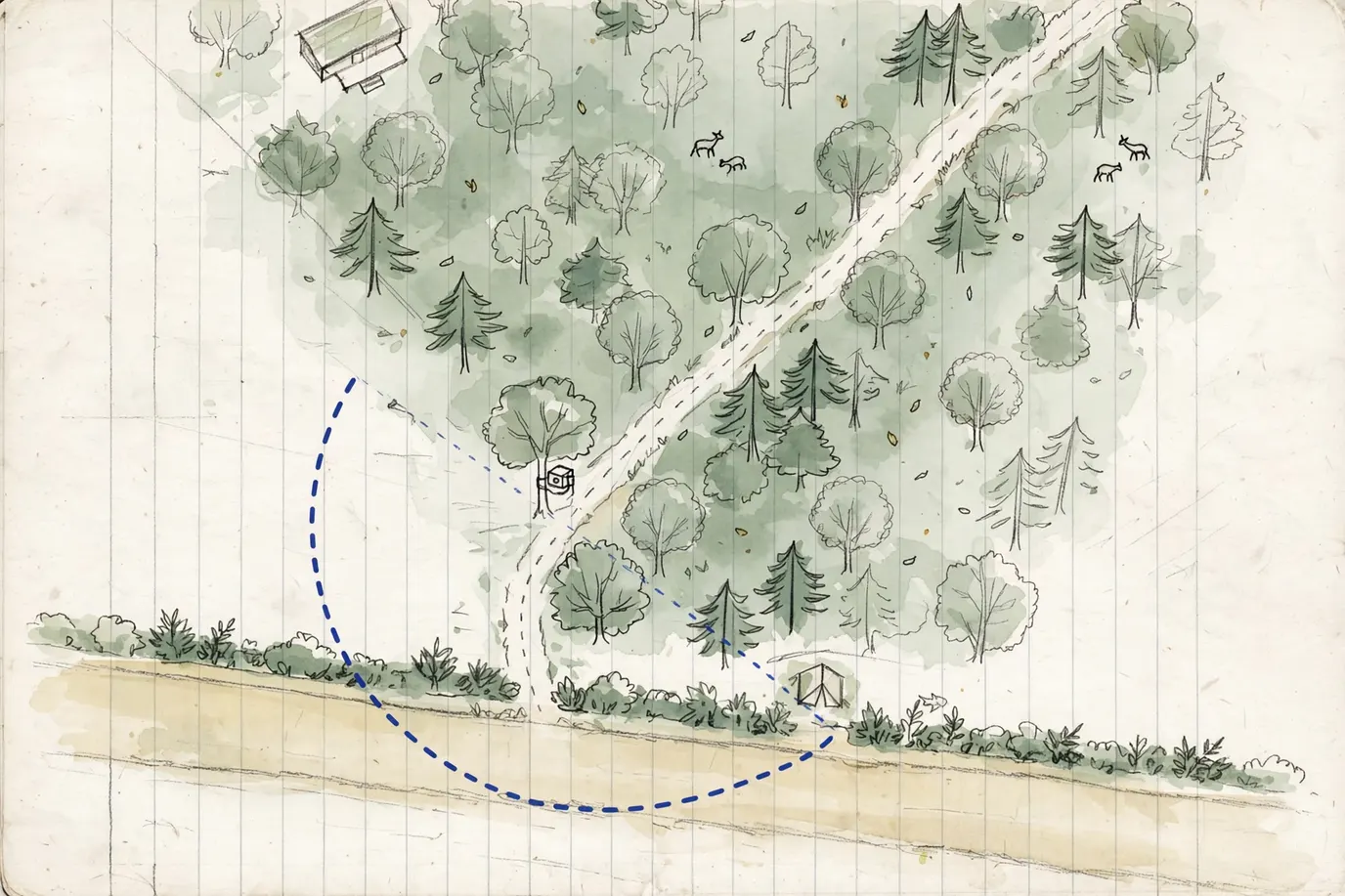
Hang it with the download spot in mind
A WiFi camera has two jobs to place for: where the deer walk and where you'll stand to download. Pick the deer spot first, the way you would for any camera. Field & Stream suggests aiming the lens slightly north or south to cut glare from the rising and setting sun, and angling it a quarter to the trail rather than straight across it.
Then walk to where you'd naturally stand: the lane, the blind door, the porch. If that's outside the stated connection distance, move the camera along the trail toward you, not the other way. A good camera spot a little closer to your path beats a perfect spot you never get a signal from.
Setting up a WiFi or Bluetooth trail camera
- Install the app and pair at home. It's easier to sort out the pairing at the kitchen table than at the tree.
- Put in a formatted card and fresh batteries. Use the card type the manual lists.
- Set the date and time. Every photo gets stamped with it.
- Hang the camera and aim with live view if it has it. Clear brush from the sensor zone; NatureSpy says vegetation within 3 to 4 feet can cause false triggers.
- Walk back to where you'll actually download from. Connect from there before you leave, so you know the distance works with the camera in place.
Then use it on your normal trips. That's the whole point.
WiFi, cellular or card-only
- WiFi/Bluetooth: close-range phone access, no plan, no signal needed at the tree
- Cellular: photos from anywhere with signal, needs a plan. See cellular trail cameras.
- Card-only: simplest and plan-free, but you open the case every time. See non-cellular trail cameras.
Some states restrict cameras that send images during hunting seasons; Game & Fish reported that Montana's rule targets transmitting cameras. Whether a short-range WiFi camera counts depends on your state's wording. Check your state wildlife agency.
Who should skip a WiFi trail camera
Skip it if every camera you run sits far from anywhere you walk. You'd be driving out to stand near it, which is a card camera's job at a card camera's simplicity. Skip it too if the app feels like a chore; a card reader in the truck never needs an update.
If you hunt the land around camp, though, this is the easiest camera to live with. Hang it where you already walk, and let the phone do the walking for the last 50 feet.
Brands in this list
Related
Questions people ask
Trail camera WiFi vs cellular: which should I get?
Get cellular when you want photos without going near the spot, and the tree has signal. Get WiFi or Bluetooth when you pass the spot anyway, or there's no signal. Cellular cameras need a data plan with the camera's service. WiFi and Bluetooth cameras connect straight to your phone at close range, so there's no plan, but you have to be within the camera's stated connection distance.
What is a Bluetooth trail camera?
A trail camera that pairs with your phone over Bluetooth through the maker's app. One Bluetooth camera's launch coverage says it needs no cell service and sends a download notification once you're within 150 yards. On some cameras Bluetooth handles the connection and settings while the camera's own WiFi moves the photo files.
Does a wireless trail camera need home WiFi or internet?
Most don't. The camera connects directly to your phone through the maker's app, so it works in the woods with no internet. Some models can also join a home or cabin network within range and upload photos at set intervals, per launch coverage of one such camera. That only works where a network reaches the camera.
Is a wireless trail camera the same as a cellular one?
Not always. "Wireless" gets used for both cellular cameras and WiFi or Bluetooth cameras, and they work very differently. Cellular cameras send over a cell network from anywhere with signal and need a plan. WiFi and Bluetooth cameras only reach a phone nearby. Check the Connectivity column in the table, not the word on the box.
Sources
- GearScout (Military Times): Stealth Cam goes Wi-Fi and Bluetooth — accessed 2026-10-22
- Game & Fish: Browning Trail Cameras introduces Bluetooth- and WiFi-enabled Defender 850 — accessed 2026-10-22
- Deer & Deer Hunting: All-new trail cameras from Wildgame Innovations, Insite Air and Insite Cell (2020) — accessed 2026-10-22
- Grand View Outdoors: Wildgame Innovations Insite Air game scouting camera — accessed 2026-10-22
- Game & Fish: Trail cam impact on big game (state rules, 2022) — accessed 2026-10-22
- Field & Stream: Where to mount a trail camera — accessed 2026-10-22
- NatureSpy: How camera traps work — accessed 2026-10-22
- Outdoor Life: Technical aspects of trail cameras — accessed 2026-10-22
- Tactacam: Reveal FAQ, not sending pictures (SD card care) — accessed 2026-10-22